

December 1, 2025
Home Server.
ServerA personal server built on a repurposed laptop, configured with Proxmox, Docker, and Cloudflare Tunnel to support self-hosting and development needs.
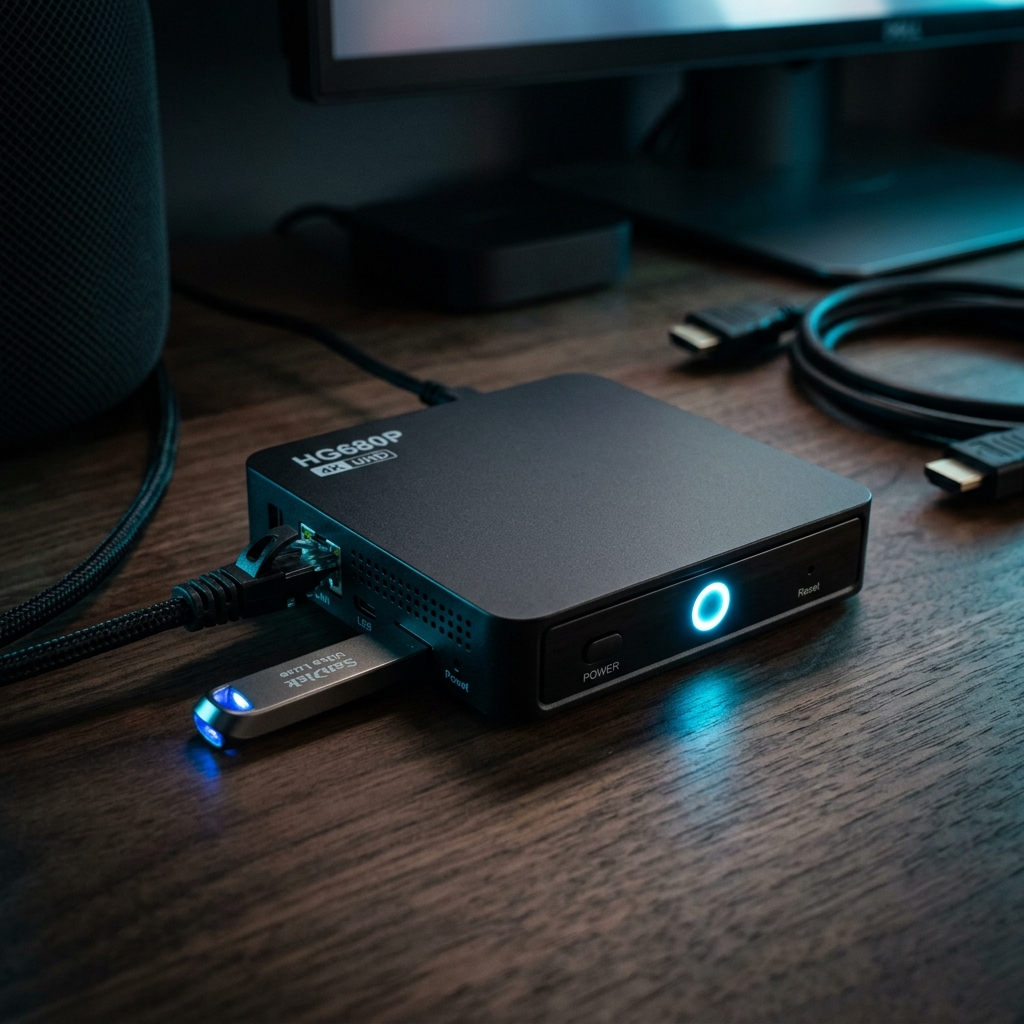
Description
Home Server is a personal self-hosted infrastructure project that turns a repurposed laptop into a capable home lab . The machine runs Proxmox as its hypervisor, with Docker for containerized services and Cloudflare Tunnel for secure remote access.
The setup supports virtualization experiments, service hosting, container orchestration, and development environments, all while maximizing the value of existing hardware.
Background
Cloud VMs and dedicated servers add ongoing cost, and an old laptop was sitting unused. Repurposing it into a home server provided a hands-on, low-cost platform for learning infrastructure, hosting private services, and running development workloads without exposing ports directly to the internet.
Goal
- Reuse existing hardware as a practical, always-on server.
- Run multiple isolated VMs and containerized services efficiently.
- Expose selected services securely without opening router ports.
Features
- Proxmox hypervisor hosting multiple VMs with flexible resource allocation.
- Docker-based container orchestration for isolated, multi-service hosting.
- Cloudflare Tunnel for secure public access without port forwarding.
- Linux-based administration and service deployment automation.
- Resource-efficient, lightweight home lab environment.
- Local development infrastructure and self-hosting experiments.
Technologies
- Proxmox — bare-metal hypervisor managing virtual machines.
- Docker — containerized application hosting and service isolation.
- Cloudflare Tunnel — secure outbound tunnel exposing services without open ports.
- Linux — base OS for guests and command-line administration.
How to Run
# 1. Install Proxmox VE on the repurposed laptop (from ISO), then reach
#    the web UI at https://<server-ip>:8006

# 2. Create a Linux VM/CT and install Docker inside it
curl -fsSL https://get.docker.com | sh

# 3. Deploy services with Docker Compose
docker compose up -d

# 4. Install and connect Cloudflare Tunnel for secure remote access
cloudflared tunnel login
cloudflared tunnel create home-server
cloudflared tunnel route dns home-server app.example.com
cloudflared tunnel run home-server
Technical Decisions
- Proxmox over a plain OS to gain snapshots, isolation, and the ability to run several independent VMs on one machine.
- Cloudflare Tunnel instead of port forwarding, avoiding exposed ports and a static public IP while keeping access encrypted.
- Docker for services so applications stay portable, isolated, and easy to redeploy.
What I Learned
- Configuring and administering a Proxmox hypervisor from scratch.
- Managing containerized services and networking across VMs.
- Securing remote access through Cloudflare Tunnel instead of exposing the network.
Notes
Runs as an ongoing home lab. Limitations include the single-node hardware and consumer laptop reliability. Future ideas include automated backups, monitoring, and additional self-hosted services.

Hey! I’m Fanny, the software engineer tending to this digital garden. You can read more about me, or subscribe by email.