

June 1, 2025
Temporary File Uploader.
Backend · FrontendA lightweight temporary file sharing platform that allows users to upload, store, and share files with automatic expiration support.
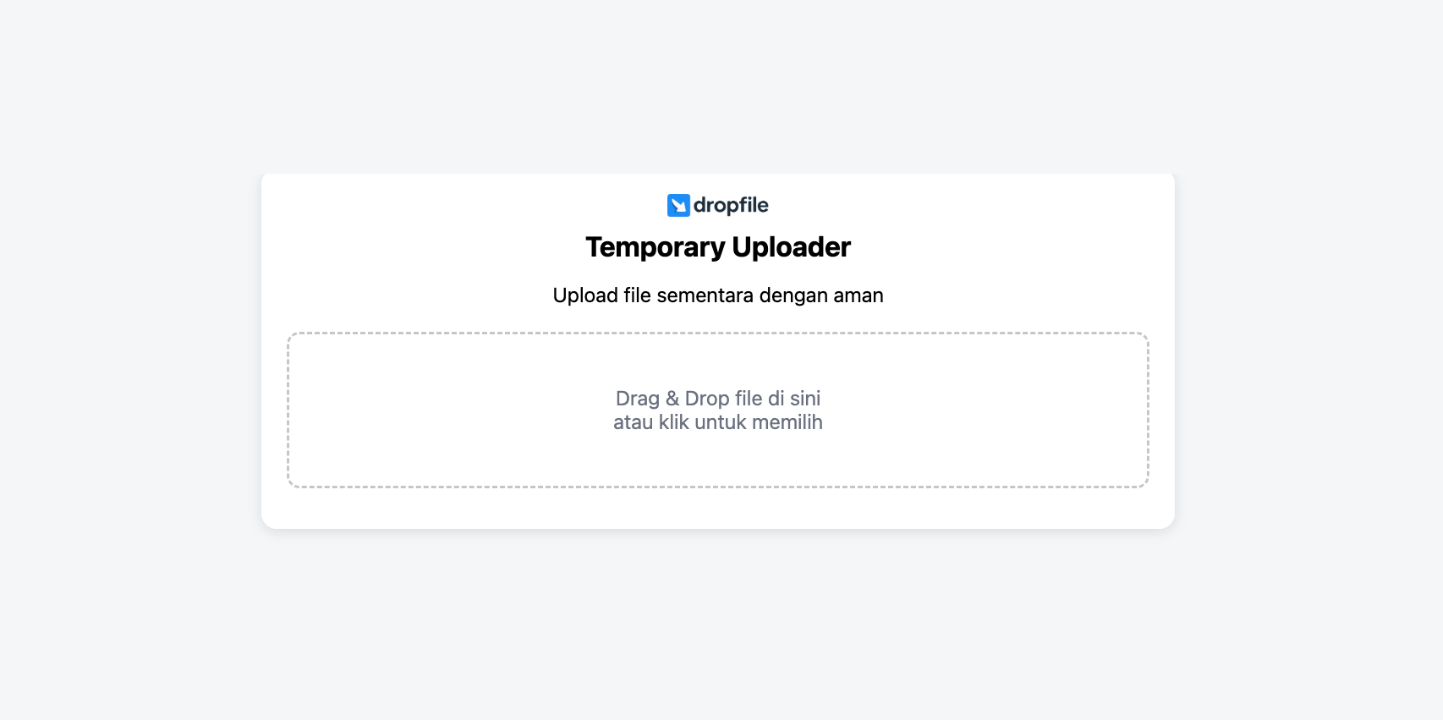
Description
Temporary File Uploader is a lightweight web-based platform for quick, disposable file sharing. Users upload a file, receive a shareable download link, and the file is automatically removed once its expiration period passes.
The project prioritizes speed, simplicity, and a clean responsive interface, making it well suited to quick sharing, testing environments, and short-lived storage.
Background
Sharing a file quickly often means signing up for a heavier cloud service or leaving files online indefinitely. This project addresses that gap with a no-friction uploader where files expire on their own, keeping storage tidy by default.
Goal
- Let users upload and share files with minimal steps.
- Generate shareable download links automatically.
- Expire and delete files after a set period without manual cleanup.
Features
- Temporary file upload with shareable download links
- Automatic file expiration and auto-delete of expired files
- Drag and drop plus multiple file upload support
- File size validation and upload progress indicator
- Responsive, clean UI design
- Fast, lightweight upload workflow
Technologies
- PHP — server-side upload handling, link generation, and expiration logic.
- JavaScript — client-side upload UX, drag-and-drop, and progress feedback.
- CSS — responsive styling and layout.
How to Run
# 1. Clone the project into your web root
# 2. Configure storage path and database/.env settings if used
# 3. Ensure the upload directory is writable by the web server
php -S localhost:8000        # or serve via Apache/Nginx
# 4. Open http://localhost:8000 in your browser
Technical Decisions
- Used plain PHP for the backend to keep the tool lightweight and easy to deploy on any standard host.
- Implemented automatic expiration so storage self-cleans, avoiding manual maintenance.
- Handled the upload experience in vanilla JavaScript (drag-and-drop, progress) to avoid heavy frontend dependencies.
What I Learned
- Secure handling of file uploads and validation on the server side.
- Designing an expiration/cleanup mechanism for temporary storage.
- Building a responsive upload UX without a frontend framework.
Notes
Intended for temporary, non-critical files. A scheduled task (cron) is recommended to reliably purge expired uploads. Future ideas include password-protected links and configurable expiry windows.

Hey! I’m Fanny, the software engineer tending to this digital garden. You can read more about me, or subscribe by email.